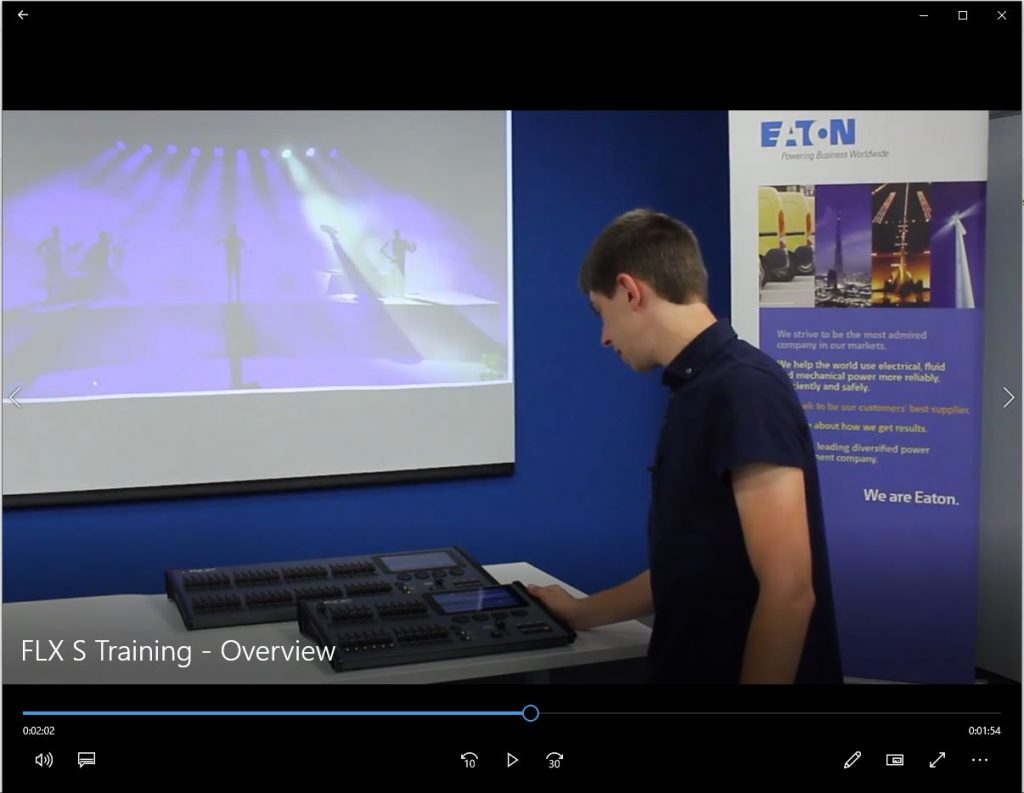
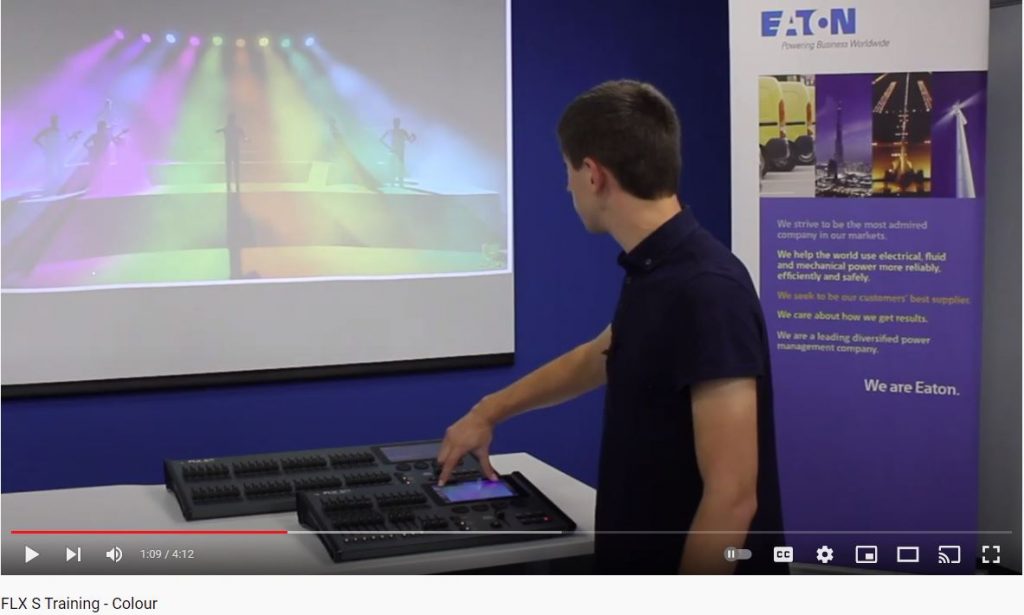
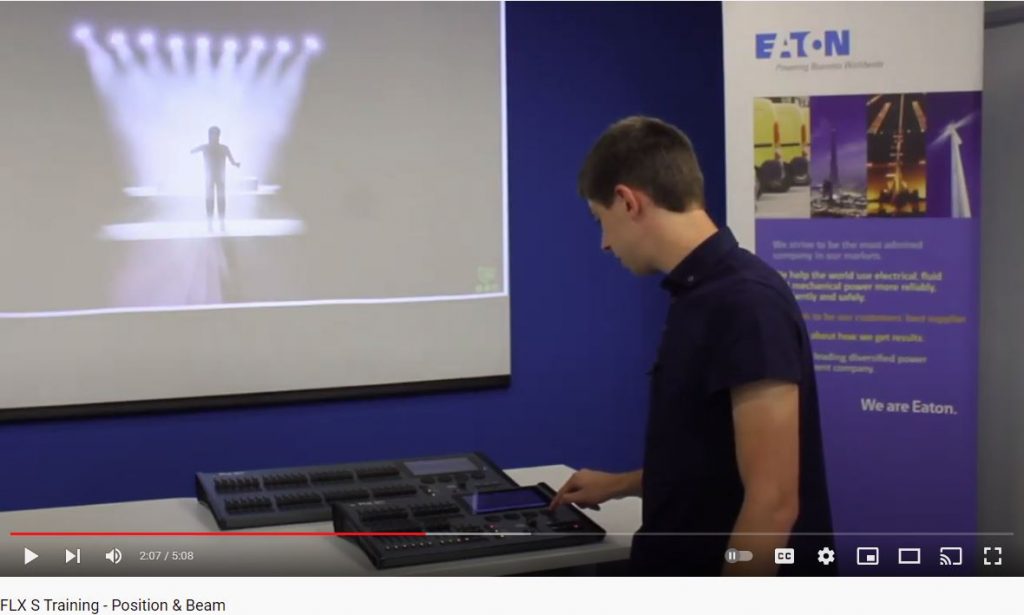
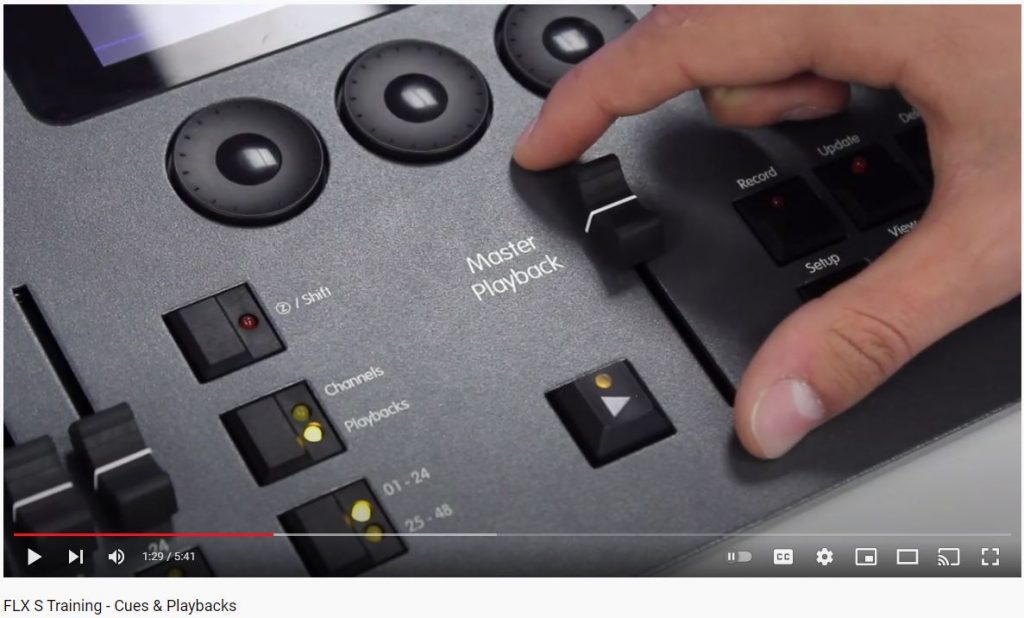
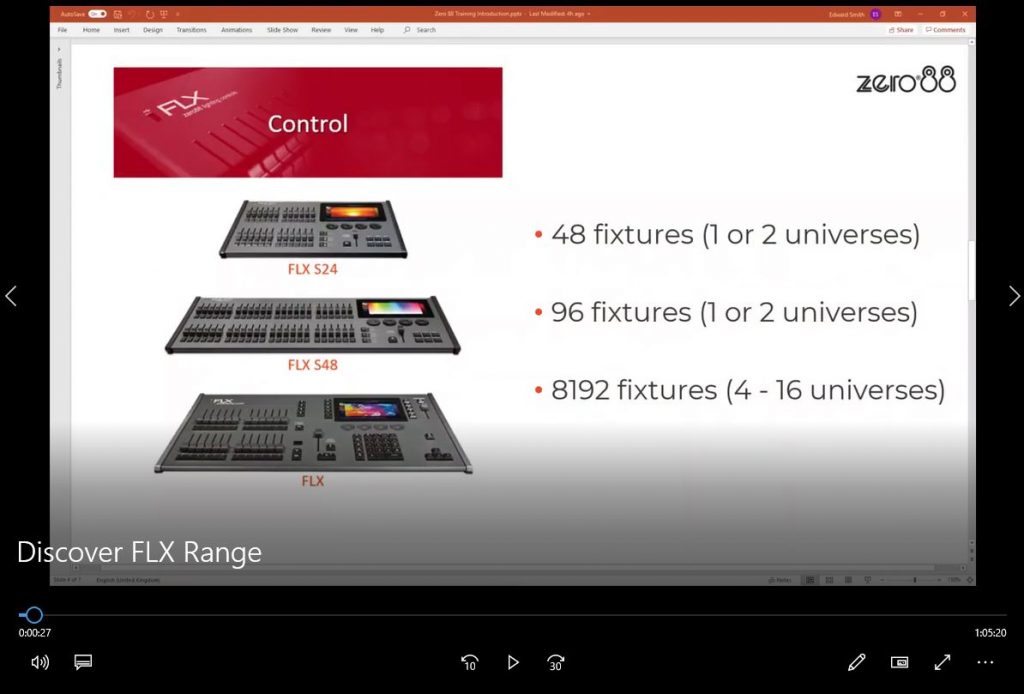
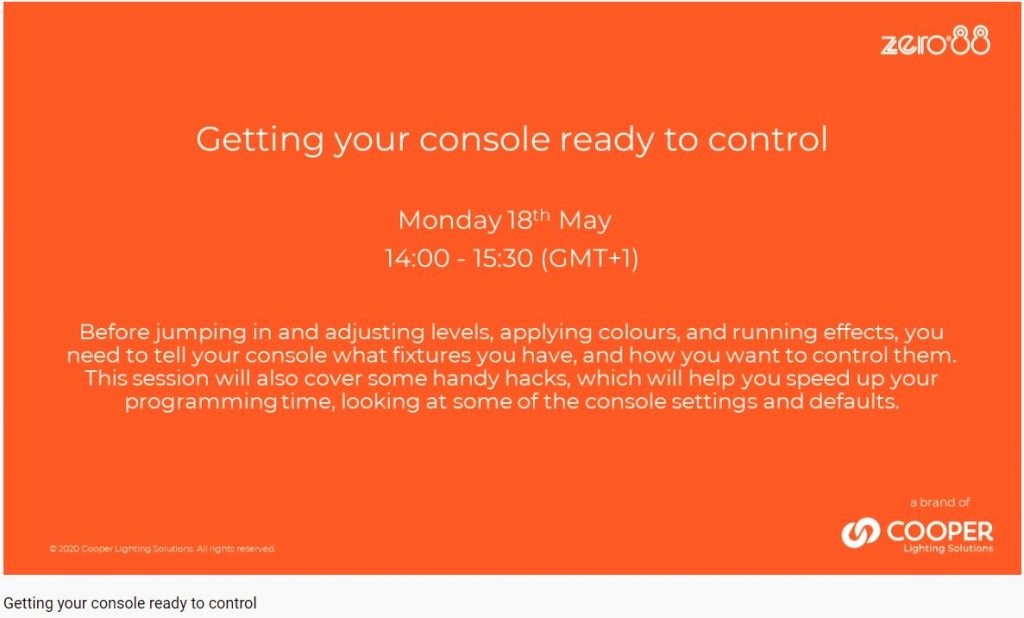
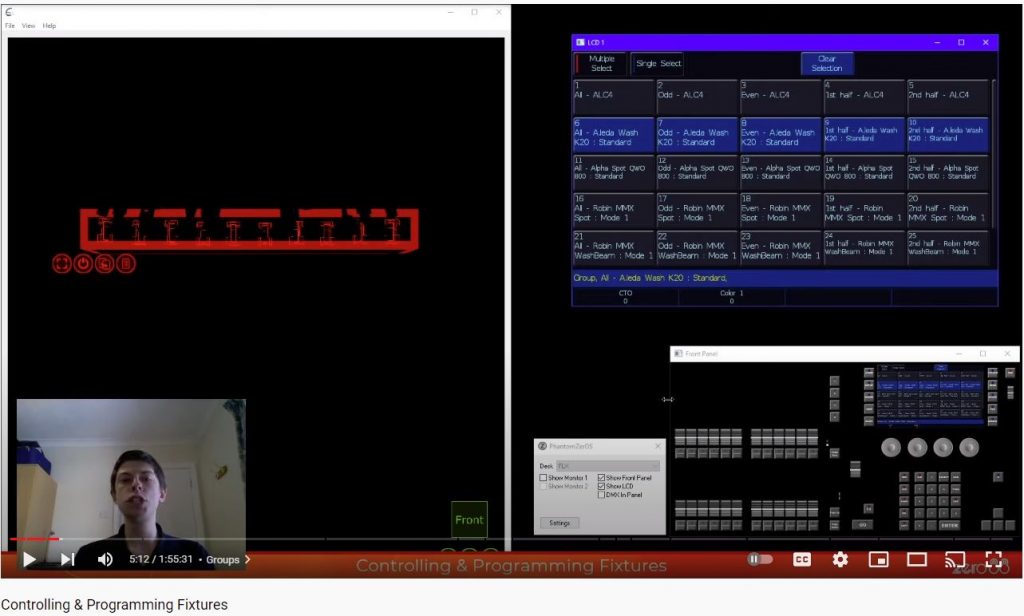
Discover FLX Rangehttps://www.youtube.com/watch?v=3jdcrxI8rJY uses Phantom zerOS offline editor. from 01:00 FLX & FLX S Features, Faders, Buttons, Windows. from 12:00 Patching fixtures from 26:00 Output Window, Intensity control faders or wheel from 30:50 Groups – auto and custom from 34:30 Colours from 38:50 Beam and Position properties from 44:00 Programming from 46:30 Playback, Cue Timing from 51:40 Recording Cue Stacks from 54:00 Master Playback timings from 59:00 Inserting Cues, deleting cues from 1:02:30 Auto follow on from 1:04:20 Save show, Load show
10 key moments in this video: from 03:54 Groups| from 14:40 Position Parameters from 29:26 Wheel Sensitivity from 44:54 Colour Picker from 50:21 Filter Libraries from 58:09 Home Key from 01:11:44 Highlighting a Fixture from 01:25:01 Move on Dark from 01:34:37 Palette Referencing from 01:50:26 Configure an Empty Playback